
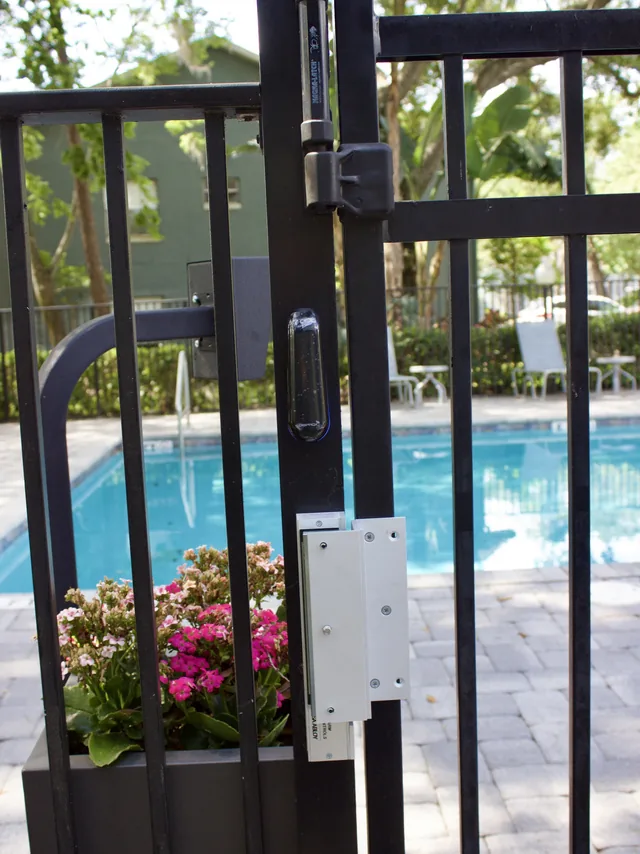
Systems that work together instead of alongside each other
Access control decides who gets through which door, and when. Automation ties the rest of the building to it: lighting, climate, audio and video, shades, and the cameras watching the same doors, run from one Control4 interface instead of separate keypads and apps. We are Control4 certified and install the platform for commercial sites and homes.
What that buys a building is fewer separate systems to learn and fewer to fail. A door that unlocks on a schedule, lights that follow occupancy and a gate that logs who opened it are settings on one controller, not three service contracts.
Installed as part of the low-voltage system
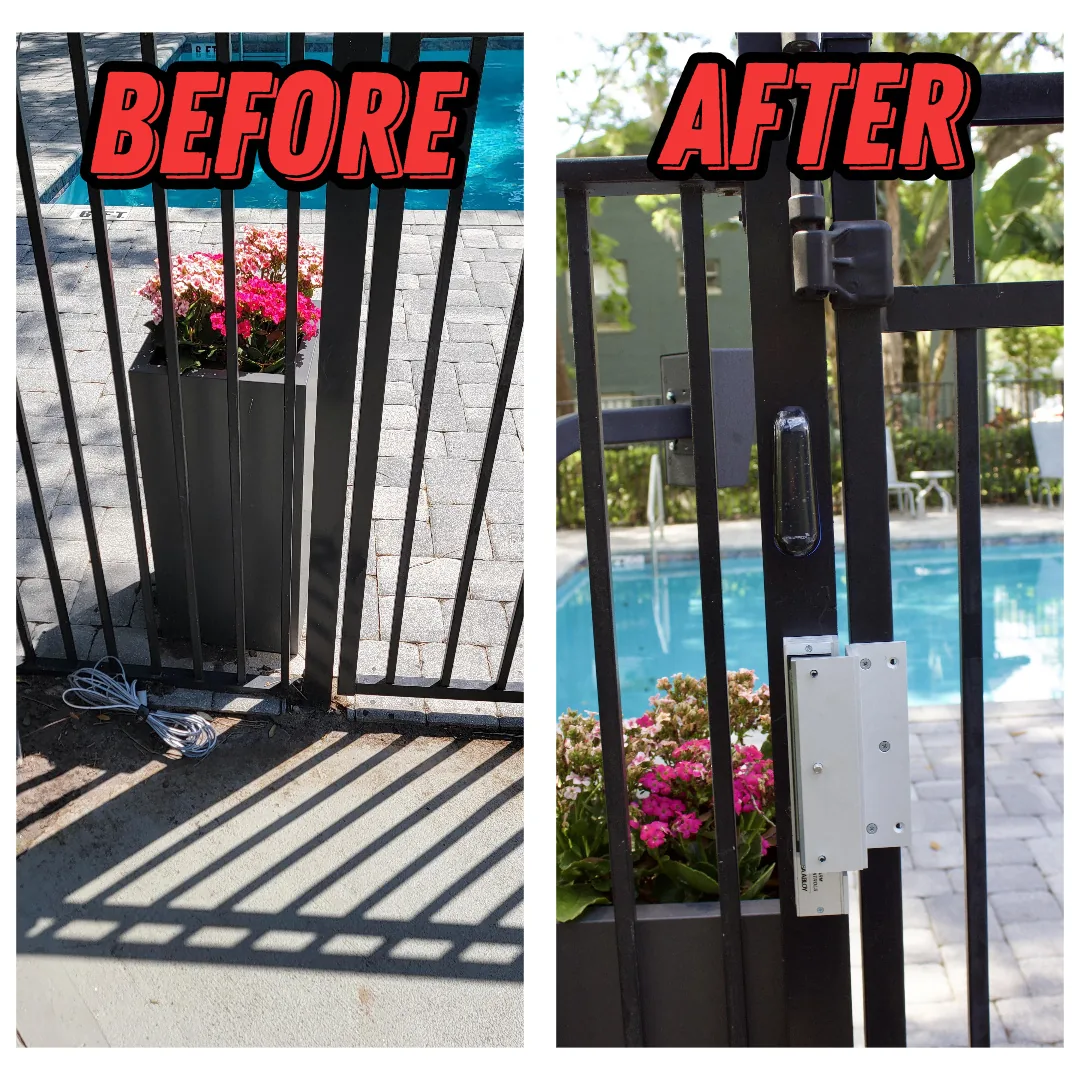
Access control and automation sit on top of everything else in the building. The doors, keypads and controllers ride on the same structured cabling we install, and the platform is far more useful when it can see the security cameras covering the same doors. Where devices need to reach a gate, an outbuilding or a remote entrance without a cable run, we link them over the wireless network instead.
Common questions about access control and automation
Should you use card readers, keypads or mobile credentials?
Most buildings end up with a mix, chosen door by door. A keypad is the simplest option and needs nothing issued to anyone, but a PIN can be shared or written down, and unless each person has a unique code the system cannot tell you who opened the door. Keypads suit low-risk doors, or serve as a second factor alongside a reader.
A card or fob reader ties each credential to one person, so you get an audit trail and can cancel a single lost card without affecting anyone else. Older proximity cards are easy to clone; encrypted smart cards are much harder to copy. Mobile credentials turn a phone into the key over Bluetooth or NFC. There is nothing to hand out or collect and access can be revoked remotely, though it relies on each person carrying a charged phone with the app installed. Many readers accept both cards and phones, so you can move over gradually.
What happens to the doors when the power or network fails?
Each door either unlocks or stays locked, depending on whether it was set up as fail-safe or fail-secure, which is decided per door at design time. A fail-safe door releases when it loses power; magnetic locks work this way because they need current to hold the door. A fail-secure door stays locked without power but still opens from the inside through the exit hardware, so people can always get out. Electric strikes and electrified locksets come in either version. Exterior doors are often fail-secure so a blackout does not leave the building open, and fire and life-safety codes dictate which doors must release.
A short outage usually changes nothing, because the controller and locks run on a battery-backed supply. If only the network drops, the controller keeps deciding from the credential list in its own memory, keeps logging events, and syncs with the management software when the connection returns. Only changes you make while the link is down have to wait.
How does access control work with security cameras and alarms?
Access control, cameras and intrusion alarms connect over the same network and share events, so each system can react to what the others see. When someone badges in, the door controller sends the event to the video recorder, which tags that moment on the camera covering the door. Instead of scrubbing through hours of footage, you search by name or door and the clip is already marked. A forced door, a door held open too long or a badge denied after hours can raise an alert and put that camera on screen.
The intrusion alarm can be armed and disarmed from the reader, so the first person in each morning disarms it with a badge and the last person out arms it, which retires the shared alarm code everyone knows. The fire alarm ties in as well, releasing doors on the exit routes when it activates. You end up with one timeline: who entered, what the camera saw, how the alarm responded.
What does automation mean in a commercial building?
In a commercial building, automation means the systems act on schedules, occupancy and events instead of waiting for someone to flip a switch, and a platform such as Control4 puts lighting, climate, security, shades and audio/video on one interface. Lights and thermostats follow business hours. The front door unlocks at opening time and locks at close. A single closing scene turns off the displays, sets the thermostat back, drops the shades, locks the doors and arms the alarm, so closing up no longer depends on someone remembering every step.
The same logic applies to individual rooms. A conference room scene lowers the shades, dims the lights and turns on the display from one button. Occupancy sensors turn lights off in rooms nobody is using. Because the controls live in one app or wall keypad, staff do not have to learn a separate system for each device, and simple schedule changes can be made from the app.
How do you manage who has access when staff change?
You change it in the management software and every door updates at once; nobody rekeys a lock. Each person has a profile that belongs to one or more access groups, and each group defines which doors open for it and during which hours. Bringing someone on means adding a profile, assigning a group and handing over a card, fob or mobile credential. When someone leaves, you disable the credential and their access ends immediately, even if the card never comes back. A lost card is handled the same way.
Because permissions attach to roles rather than individuals, a change in who covers the front desk is one edit, not a walk around the building. Contractors and cleaners get credentials with an expiration date so access ends on its own. The audit log shows every door each credential has opened, which makes it easy to review who still needs what. Compare that with mechanical keys, where one lost master means rekeying every door it fit.
Can access control be added to existing doors, or do they need replacing?
Most doors can be converted without being replaced, but the existing hardware decides how much work it takes. The lock has to become something electricity can control — an electric strike fitted into the frame, a magnetic lock on the header, or an electrified version of the lockset already there — and which of those suits the opening depends on the door, the frame, and whether it sits on a fire-rated assembly or an exit path.
A hollow-metal door in a steel frame is usually straightforward. A full-glass storefront door, a heavy wood door or a rated opening is where cost appears, because the frame may need machining and the rating cannot be compromised to fit hardware. The part most often overlooked is not the lock at all: every opening needs power and a cable path back to the controller, which is the same question as everything else behind the wall and is best answered as part of the structured cabling rather than after it.
Where we work
We install access control and automation across the greater Orlando metro:
- Orlando
- Clermont
- Winter Garden
- Ocoee
- Windermere
- Four Corners
- Kissimmee
- Davenport
- Groveland
- Minneola
SPCom Solutions is a service-area business — we come to your building, there is no showroom to visit. See the full service area
Get started today. Take the Technical Out of Technology.
Tell us which doors, rooms and systems you want under one interface and we will scope it with you on site.