
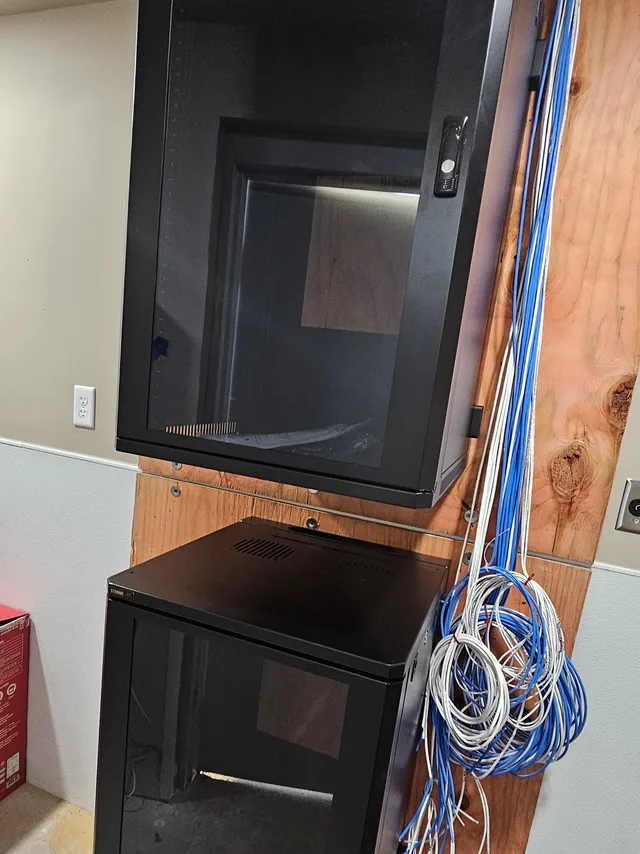
Low-voltage cabling across Central Florida
SPCom Solutions provides low-voltage cabling across Central Florida and the surrounding area under FL License #ES12001608: code-compliant network infrastructure built to the business and the building it is in.
Whether you are building from the ground up or upgrading an existing system, we design and build structured cabling for performance, room to grow and long-term reliability. That might be a Clermont office fit-out, a Winter Garden warehouse or a multi-tenant building in Orlando.
We install and service
- Cat 5e Cabling – Reliable and cost-effective for standard data needs
- Cat 6 & Cat 6a Cabling – Ideal for higher speeds and reduced interference
- Fiber Optic Cabling – High-bandwidth, long-distance data transmission
- Coaxial Cabling – Perfect for video, broadband and RF applications
- Network Racks – Clean, organized and scalable network hardware mounting
- Complete Network Infrastructure – Custom solutions for offices, campuses and commercial properties
| Cat6 | Cat6a | Fiber | |
|---|---|---|---|
| Speed over a full 100 m channel | 1 Gbps (10 Gbps on short runs, under about 55 m) | 10 Gbps | 10 Gbps and beyond, set by the electronics |
| Rated bandwidth | 250 MHz | 500 MHz | n/a (optical) |
| Maximum run | 100 m | 100 m | Hundreds of meters to kilometers, by fiber type |
| Handling | Thinner, easier to pull and terminate | Thicker, wider bend radius, fills pathways faster | Needs fusion splicing or pre-terminated assemblies |
| Typical use | Workstations and printers | Access points, camera backhaul, ports you expect to upgrade | Between buildings, between floors, past heavy electrical |
Free site visit & project walkthrough
Planning a new cabling project? Call us today to schedule a FREE on-site consultation. We will assess your space, identify your connectivity needs, and provide expert recommendations to get your network up and running smoothly.
FL License #ES12001608
What the cable plant carries
Cabling is rarely the end of the job. The same runs feed the access points behind your business WiFi, the security cameras watching the doors and the lot, the readers on an access control system, and the handsets on a business phone system. Because one contractor installs all of it, the rack we terminate is the rack our IT support team works in when something stops passing traffic — there is no second vendor to call and no argument about whose layer failed.
Common questions about structured cabling
Cat6 or Cat6a: which one should a new office run?
Run Cat6a if you want every outlet to carry 10 Gbps over a full 100-meter channel; run Cat6 if 1 Gbps at the desk will be enough for the life of the fit-out and you want the lower material and labor cost per drop. Both are twisted-pair copper and both terminate on the same style of jack, but Cat6a is rated to 500 MHz against 250 MHz for Cat6 and is built to control alien crosstalk between neighboring cables in a bundle. That headroom is what lets it hold 10GBASE-T over the full distance; Cat6 supports 10 Gbps only on short runs, typically under 55 meters and less in dense bundles. The trade-off is physical. Cat6a is thicker and stiffer, needs a wider bend radius, fills conduit and J-hooks faster, and takes longer to terminate. A common split is Cat6 to workstations and Cat6a to wireless access points, camera backhaul and any port feeding equipment you expect to upgrade before the cable is replaced.
When does fiber make more sense than copper?
Fiber makes more sense when a run is longer than 100 meters, when it links two buildings or the equipment rooms on two floors, or when it passes through heavy electrical interference. Copper Ethernet is limited to a 100-meter channel by the standard, and no category of cable changes that; a warehouse or campus that has to reach farther needs fiber or a second equipment room. Fiber carries light rather than current, so an all-dielectric run between buildings does not tie two grounding systems together and does not give a lightning surge a path from one building into the next, which matters in Central Florida. Multimode fiber covers backbone links inside a building at 10 Gbps and beyond; single-mode covers distances measured in kilometers. Fiber is rarely the right choice for the drop to a desk, camera or access point. Those devices have copper ports and usually draw Power over Ethernet, which fiber cannot deliver, so the usual design is a fiber backbone with copper horizontal runs.
What does “structured” mean in structured cabling?
Structured means the cable plant is built to a published standard, ANSI/TIA-568, rather than as individual cables run from a switch to whatever needed one. Every horizontal run goes from a numbered port on a patch panel in the telecom room to a numbered jack at the work area, is terminated to the same wiring scheme at both ends, and stays inside the 90-meter permanent-link limit. Short patch cords at each end complete the channel. Panel port and jack carry matching labels, and a record shows where each one lands, following the TIA-606 administration standard.
Any outlet can then serve any purpose. A jack that feeds a phone today can feed a camera or an access point tomorrow by moving one patch cord, without touching the cable in the wall. Troubleshooting is faster because every link has a known path and a test record. Point-to-point cabling saves money on day one and gives it back every time someone has to trace an unlabeled cable.
How many network drops does an office need?
Plan on at least two drops per workstation, then add outlets for everything that is not a desk: printers, wireless access points, cameras, door controllers, conference room displays and tables, reception, the break room and any wall-mounted TV. Two per work area is the minimum the TIA-568 standard calls for, and it holds up in practice because the second port covers a phone, a docking station or a spare when a jack fails. The count grows fastest in the rooms people forget: a conference room with a display, a video bar, a table connection and a ceiling access point can need four to six drops on its own. Over-provision on the first pull. While ceilings are open and walls are unfinished, one more cable in a bundle adds little to the job; the same cable added after the space is occupied means a return visit, ceiling access and drywall patching. A site walkthrough is where this count gets settled, room by room, against the floor plan.
Can existing cabling be reused, or does it need to be certified?
Existing cabling can often be reused, but only after it has been tested and certified against the category it is supposed to meet. A certification tester measures each link for wiremap, length, insertion loss, crosstalk and return loss and returns a pass or fail against the TIA limits for that category, so the decision rests on measurements, not the rating printed on the jacket. Cat5e that passes still carries 1 Gbps and is usually worth keeping. Runs that fail, exceed 100 meters, show damage or were never labeled are candidates for replacement; Cat3 and original Cat5 belong to another era.
Two other things shape the answer. Cable in an air-handling ceiling space must carry a plenum rating, and the National Electrical Code requires the accessible portion of abandoned cable that is not tagged for future use to be removed, so a rework often includes removing dead cable. New or reused, ask for the certification report and keep it; it is the baseline for any troubleshooting later.
What is the difference between a patch panel and a switch?
The patch panel is the passive end of the cabling; the switch is the active electronics. Every run from a wall jack terminates on the back of a patch panel, in a fixed position that does not change for the life of the cable. Short patch cords then jump from the front of that panel into a switch, which is the powered device that moves traffic between ports and up to the router that reaches the internet.
The split is what keeps the permanent cabling untouched. Moving a desk to a different switch port, or replacing a failed switch, means re-plugging a cord rather than re-terminating a cable inside a wall. A panel has no power supply and nothing to configure, so it is the part that stays put for decades; a switch is powered, configured and replaced as network speeds move on. When someone says the cabling should outlive three generations of electronics, this is the arrangement that lets it.
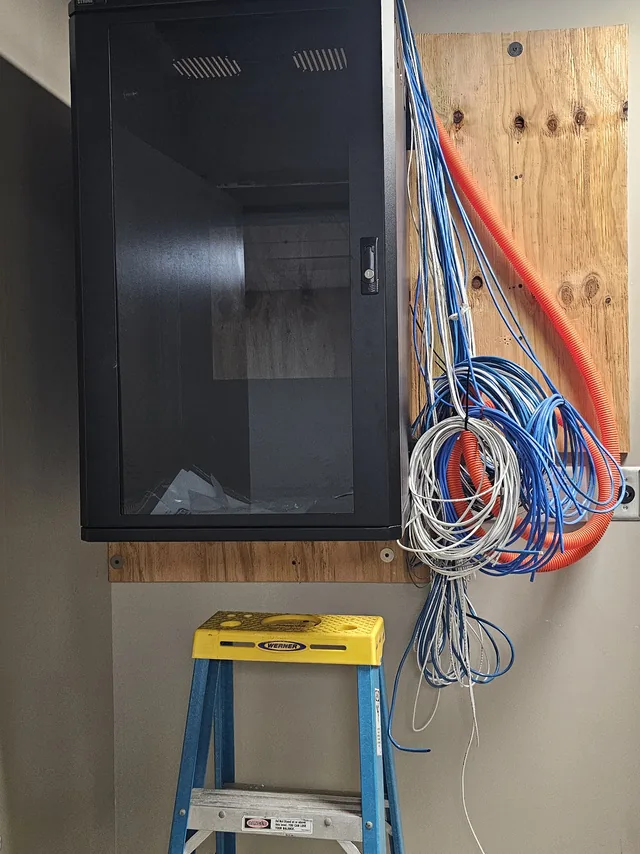
Where we work
Our crews pull and terminate cable across the greater Orlando metro, from Clermont and Winter Garden east into Orlando and south through Kissimmee and Four Corners:
- Orlando
- Clermont
- Winter Garden
- Ocoee
- Windermere
- Four Corners
- Kissimmee
- Davenport
- Groveland
- Minneola
Office suites, multi-tenant buildings, hotels and medical offices in Orlando get their own page: structured cabling in Orlando.
SPCom Solutions is a service-area business — we come to your building, there is no showroom to visit. See the full service area
Get started today. Take the Technical Out of Technology.
Tell us what the building is, what is going in it, and when you need it live. We will walk the site and come back with a cabling plan you can build to.